
Your phone probably runs your life at home now, so it will also run your trip abroad in most cases. In fact, you might depend on it even more than you do at home. The boarding pass is on it, so are the hotel booking, the banking app, the maps and every photo you'll take along the way. That's very convenient until the day it gets stolen, accidentally falls into a lake or simply refuses to connect to the internet in a new country.
Your best bet to prevent anything from going wrong with your phone abroad is to sort out things while you are still at home. An evening of backups, document copies, a few app installs and a look at your insurance usually does the job. Below we have listed all the steps to make your phone as travel-proof as it gets.
Step 1: Get your connection sorted before you leave
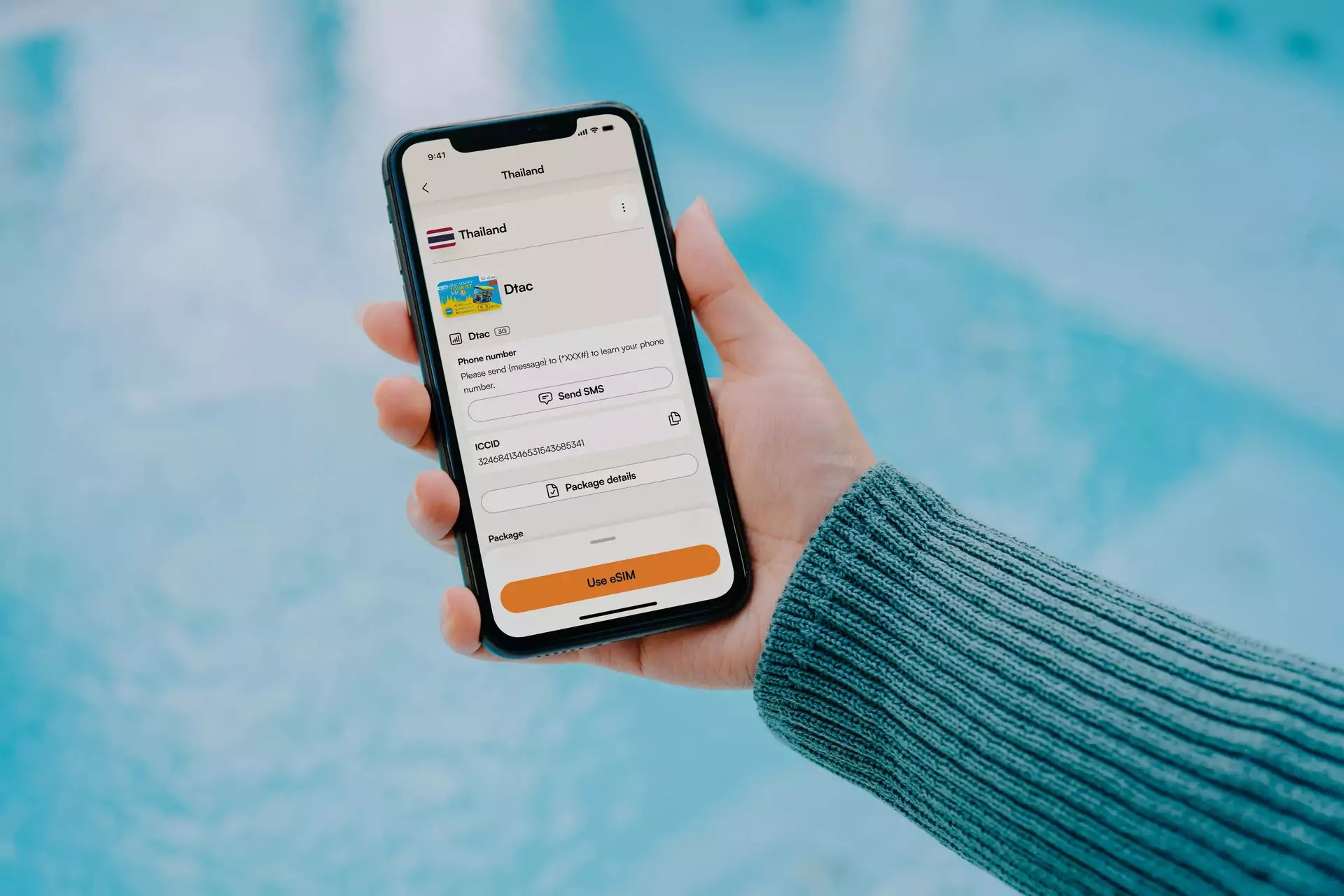
Using your home plan abroad without checking the conditions first can get expensive. Roaming charges and daily passes from home carriers add up fast on a longer trip. That's how some travelers come home to a bill they didn't see coming. A travel eSIM is usually the easiest way around this. You buy and install it at home and the phone connects to a local network when you land. We've covered how it works and which providers are worth a look in our guide to comparing eSIM providers, so we won't go into it here.
Two things are worth checking now though. Phones bought on a payment plan are sometimes locked to one carrier, which means a foreign SIM or eSIM won't work. Your carrier can usually unlock the phone for you but it can take a day or two, so don't leave it for the airport. The second thing is your home number. Banks tend to send verification codes by text. Many phones can run two lines at once, which lets you keep your home number for codes and use the eSIM for data.
Step 2: Back up your phone

A phone that's lost without a backup means your photos and text messages are gone as well. Turn on the cloud backup that comes with your phone (iCloud on an iPhone or Google's backup on Android) and check that it has actually finished before you leave. The first backup takes a while and works best on home Wi-Fi. It's also a good idea to keep photo syncing on during the trip, so your pictures are safe even if the phone isn't.
The part that gets forgotten most often is two-factor authentication. If your authenticator app is installed exclusively on your phone, losing it can lock you out of your email and your bank. Many authenticator apps can move or back up their codes now. Most services also let you save backup codes. Write them down and keep them somewhere other than the phone. It's also worth updating the phone's software before you go, since updates over slow hotel Wi-Fi tend to happen at the worst possible moment.
Step 3: Keep copies of your passport and other documents
Take a photo of your passport photo page, any visas, your travel insurance policy and your booking confirmations. Keep them somewhere you can reach without the phone, like an email to yourself or a cloud folder. If possible, bring one printed set and keep it in a different bag than the passport itself. A copy can make it easier to get an emergency replacement from your embassy. It's also advisable to write down the phone numbers you'd need if everything goes wrong. That includes the number to block your cards, your insurance company's emergency line and your embassy.
Step 4: Lock down the phone
Use a proper passcode instead of a short PIN that someone could watch you type in a crowded place. Make sure the tracking feature is turned on, which is Find My on an iPhone and Find Hub on Android. Newer iPhones also have a Stolen Device Protection setting that adds extra security when the phone is away from familiar places, so it's a good idea to verify if yours does and turn it on if that is the case. A PIN on the SIM card is another small layer that stops someone from using your number.
Write down the IMEI number of your phone too (dialing *#06# usually shows it). Police and carriers often ask for it. In crowded places like markets and public transport, keep the phone in a front pocket or a zipped bag. Café tables and back pockets are where a lot of phones disappear.
Step 5: Check your phone insurance before you need it
Phone cover is the part people tend to check too late. Travel insurance often covers phones only through an optional gadget add-on. Some policies have a low limit per item or exclude phones that were left unattended. Your home contents insurance or the card you paid for the phone with might cover it as well. Check which one applies and how high the excess is. Keep the receipt or at least a photo of the box with the serial number, because insurers tend to ask for proof of ownership.
If the phone does get stolen, lock or erase it remotely first and then report it to the local police. Ask for a written report with a reference number. Some insurers want the report within a short time frame (often 24 hours), so check your policy wording. After that, contact your carrier to block the SIM and let your bank know. Our travel safety guide has more on preparing for the risks at your destination.
Step 6: Set up payment apps and a VPN before you leave
In many places paying with a phone is normal now. In some of them it's hard to pay any other way. On every place info page on travelfilters you'll find a "Quick Facts" box with a cashless payment rating. If you hover over the info button next to it, you can see which payment systems are used in that country or city. Add your cards to Apple Pay or Google Pay before you go, since the setup sometimes needs a text verification from your bank. Our money abroad guide has the details on fees and exchange rates.
China is the best known example of an app-first country. Cash is still accepted in many places, but a lot of everyday payments happen through Alipay or WeChat Pay. You can usually link an international Visa or Mastercard to both apps. To set that up, you need your passport and a phone number from outside China. WeChat can also ask for extra verification, so don't leave it for the last day. Fees and limits for foreign cards can change, so check the current conditions in the apps. It's a lot easier to do all of this at home than at a street stall in Chengdu. It's also smart to bring a backup card, some cash and a power bank, because a dead phone can't pay for anything.
A VPN is the other thing to sort out at home. It's most important in China. Google services, Instagram and YouTube are usually blocked there. The websites and app stores of VPN providers tend to be blocked as well. That's why you want to install and test one before you land. A VPN also adds a layer of protection on public Wi-Fi in any country. Rules around VPN use differ between countries, so check the current situation for your destination.
Step 7: Download what works without a connection
Even with a good data plan you'll run into dead zones. Google Maps lets you download cities or regions for offline use. Most translation apps can download language packs as well. Both are easiest to do on home Wi-Fi. Download your airline and hotel apps while you're at it. Keep screenshots of boarding passes and bookings, too. Set up the local ride apps before you leave, like Grab in Southeast Asia or Bolt in parts of Europe. Adding a card often needs a text verification, which gets harder once your SIM is swapped or switched off.
Make sure your phone is just as ready for the trip as you are
A travel-proof phone is mostly a matter of preparation. Back it up, keep copies of the things that are hard to replace, lock it down and find out how you'll pay and get online in the country you're going to. If you've done all that, a lost phone is annoying but manageable.
Maybe going on vacation is a good reason for you to not pay attention to your phone at all and just enjoy the moment instead. Either way, it's a good feeling that your companion in your pocket is there equipped with almost anything you could need in case it's required.