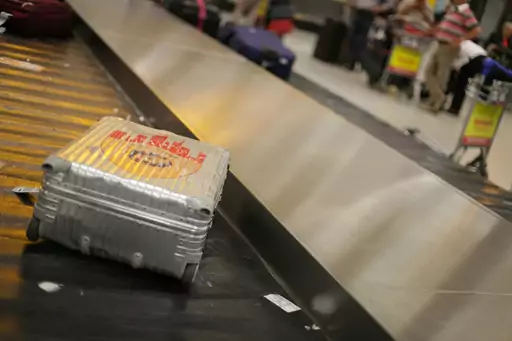

After landing at your destination, you disable the plane mode on your phone and are immediately greeted with an SMS from your provider informing you that any little shred of data you use at your destination will cost you a small fortune. We have all been there, only to then struggle with the airport Wi-Fi to tell our loved ones we made it safely and to find out where we need to go.
Luckily, in 2026 staying seamlessly connected has never been easier and paying outrageous roaming fees has become completely obsolete. You can sort things out in the comfort of your own home before you even leave and never have to lose connection as you move across borders or halfway around the world.
Step 1: Figure out how much internet you actually need
Not every trip needs an elaborate internet setup. If you mostly want maps, messaging and the occasional photo upload, a small data package will carry you through two weeks without any trouble. If you're planning to work remotely, join video calls or upload large files, you're in a completely different category. You'll need both a generous data plan and a destination where the networks and the Wi-Fi can actually keep up.
It's also worth asking yourself the opposite question. How reachable do you want to be? For some of us, the trip is precisely the time to be a little harder to reach and a minimal setup is perfect for that.
Step 2: Check what your own provider offers before buying anything
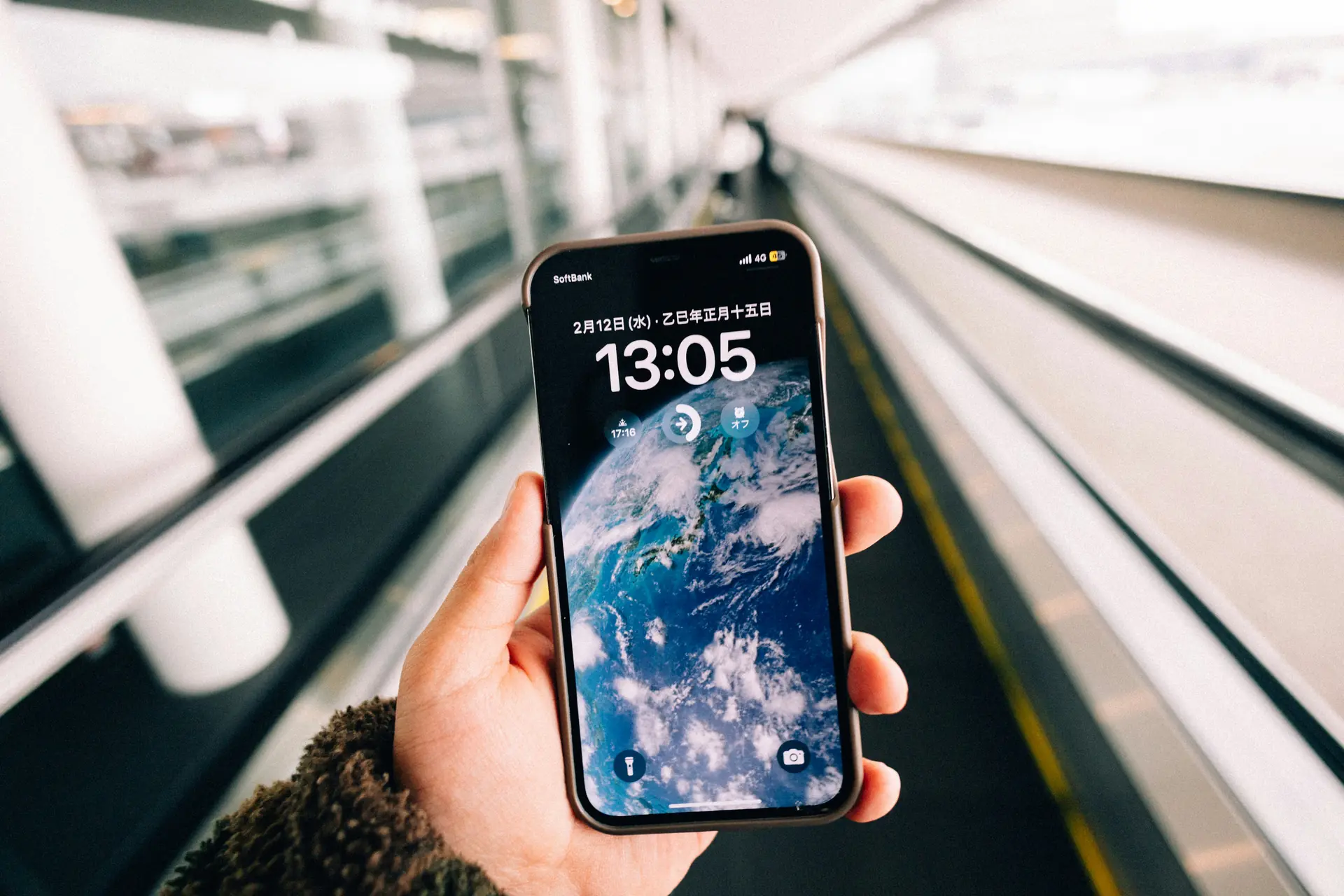
Before you buy any SIM card or travel package, check what your existing plan already includes. Within some regions (the EU being the famous example), roaming is included at no extra cost and the only thing you need to do is activate the roaming setting on your phone. Many providers also sell travel passes for other destinations and while they're rarely the cheapest option, the convenience of keeping your own number and changing nothing can be worth the small premium.
The one thing you really want to avoid is the default pay-per-megabyte roaming rate, which tends to universally be a bad deal. Check your provider's rates for your destination. If they're ugly, simply turn data roaming off before you land and rely on one of the options in the next step instead.
Step 3: Get a local SIM or an eSIM, usually the best value
For most trips outside your home region, local data is dramatically cheaper than roaming. The classic route is buying a local SIM card at your destination. It's often good value, but it costs you time on arrival and sometimes requires your passport and paperwork. On top of that, the airport counters usually charge tourist prices for the same thing a phone shop in town sells for half. If you stay in a country for a longer period of time and need large amounts of data, it's well worth the effort to go to a local shop and get a package at a local rate.
The newer and increasingly easier route is an eSIM, a digital SIM you buy online and install before you even leave home. You land, switch it on and you're online at local prices while the queue at the SIM counter is still forming. If your phone supports eSIM (most phones from the last few years do), it's worth comparing a few providers for your destination. Check out our guide on eSIMs to get an overview of the most popular options. Prices for the same amount of data vary a lot. One practical tip either way is to keep your home SIM active for calls and SMS, because banks and booking confirmations have a habit of sending verification codes to your usual number at the least convenient moment. Just make sure the data is properly deactivated.
Step 4: Treat public Wi-Fi as a nice extra, not a plan
Hotel and cafe Wi-Fi is lovely when it works, but making it your only plan is how you end up standing in a lobby at midnight holding your phone toward the router. Quality varies wildly, from fiber-fast to "technically a network". The shared nature of public Wi-Fi also comes with some security caveats.
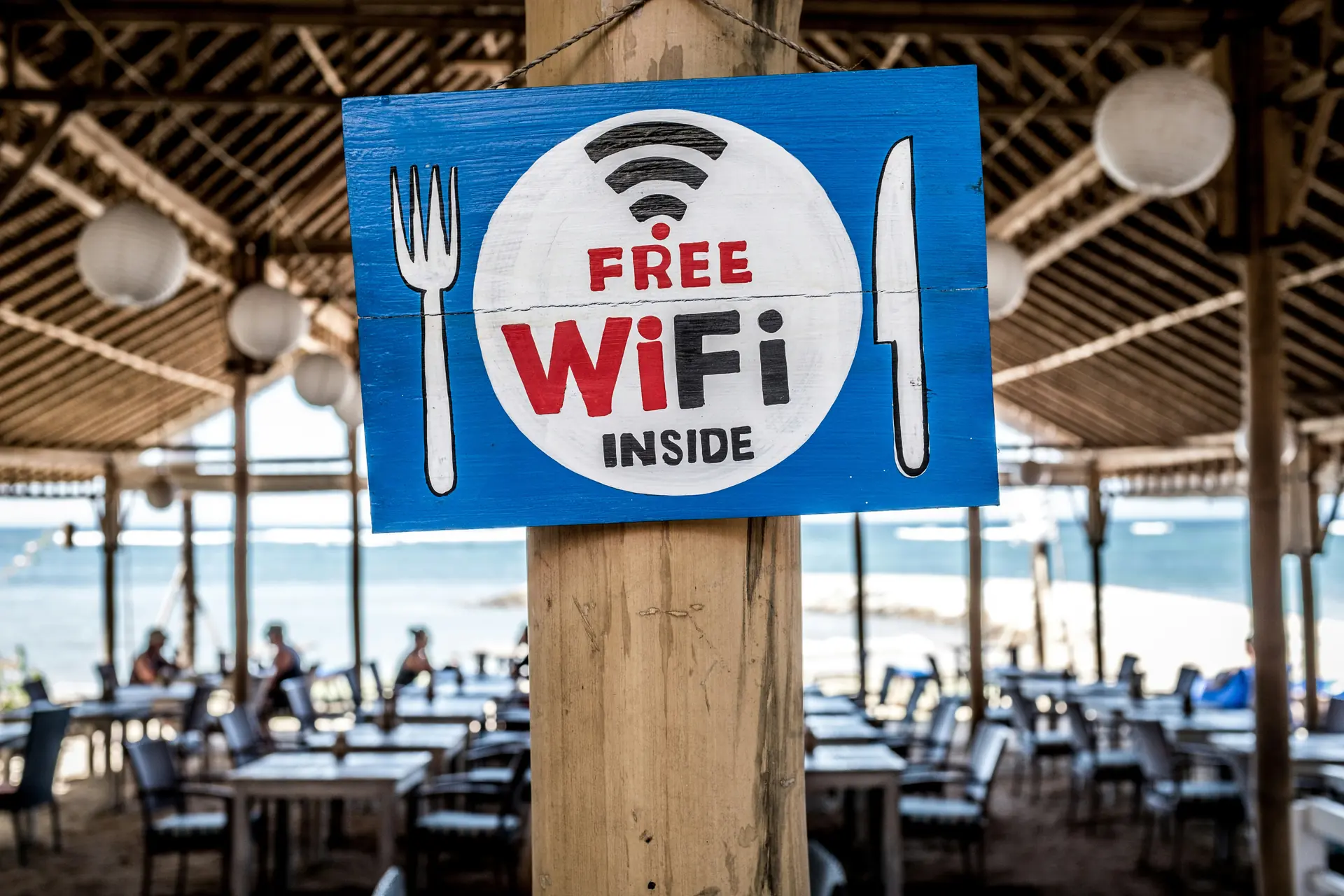
It's perfectly fine to use public Wi-Fi freely for harmless things like browsing, maps and streaming, but prefer your mobile data for anything sensitive like banking. Consider a VPN if you expect to use open networks a lot. Avoid networks that need no password at all where you can. If your accommodation's Wi-Fi is important to you, it's worth reading reviews in advance and looking for other people's experiences with it. Just because the listing says "free Wi-Fi", it doesn't mean it will be stable or fast. At check-in, you can also ask for a room that's close to the router to make sure to get the best possible connection.
There's a second reason to think about a VPN and for some destinations it's the more important one. In a number of countries, popular services are blocked or restricted, so having a connection doesn't automatically mean having access to your usual apps. China is the most prominent example, where services like Google, WhatsApp, Instagram and Gmail don't work without a VPN. Other countries block more selectively, like Turkey, which has temporarily restricted various social media platforms over the years. If you're traveling to a country like this, install and test your VPN before you leave home, because the websites of many VPN providers are blocked there too and setting one up after arrival ranges from difficult to impossible. Also keep in mind that the rules around VPN use differ from country to country and can change, so check the current situation for your destination before you rely on it.
Step 5: Prepare for the moments when you're offline anyway
Even with the best setup, there will be moments without a connection, whether on the plane, in the metro, on a hiking trail or in that one beautiful valley where no network has ever reached.
Before you leave the Wi-Fi of your accommodation, download offline maps for the area and save your tickets and booking confirmations where you can open them without a connection. If you're heading somewhere with a language you don't speak, download the offline translation pack as well. It takes five minutes over breakfast and can be really crucial in some situations. Oftentimes, the offline copy you never needed is the cheapest insurance a trip can have.
Don't get disconnected, unless you want to
Internet access abroad used to be a genuinely expensive nuisance and old habits from that era still cost travelers real money today. It makes sense to check what your own provider has to offer, but setting up a travel eSIM tends to be the most cost-effective and convenient option for most travelers. For anyone that needs larger amounts of data and stays in a place for a bit longer, going through the effort of setting up a local SIM can also pay off. Public Wi-Fi isn't always available or reliable, so it should be treated as more of a bonus. Finally, keeping offline maps and translation apps on your phone is a good insurance policy in case the network does drop.